
Introduction
On some occasions, the digital delivery email gets lost somewhere in cyberspace. If it’s not appearing in your junk, spam, promotions or any other folder then follow the instructions below to create your account.
Note that if you already have a MediaZilla account, then the presentation will automatically go into your account regardless of whether or not you have received the email. Just login here: https://mediazilla.com/account/dashboard However, if this is the first presentation sent to you by Lakeview Video Productions, it will not be immediately visible – you will receive a notification in the top-right of your dashboard and you must click on this notification to add the presentation to your account.
Creating an account
To create a MediaZilla account when you haven’t received the email, click this link: https://mediazilla.com/free-trial?start_free
You will see the following page. Do not be put off by the ‘free trial’ and ‘business email’ – if you follow the steps below you will be creating a standard free client account.
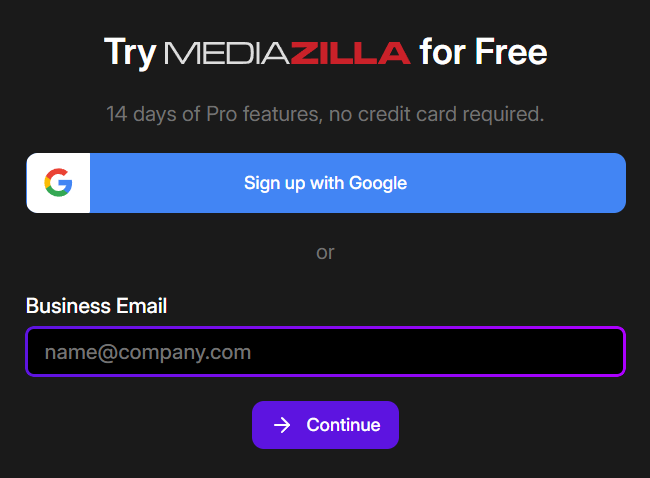
Don’t use the Sign up with Google option, but instead enter your personal email address (this needs to be the same address your event organiser has on file for you) and click Continue.
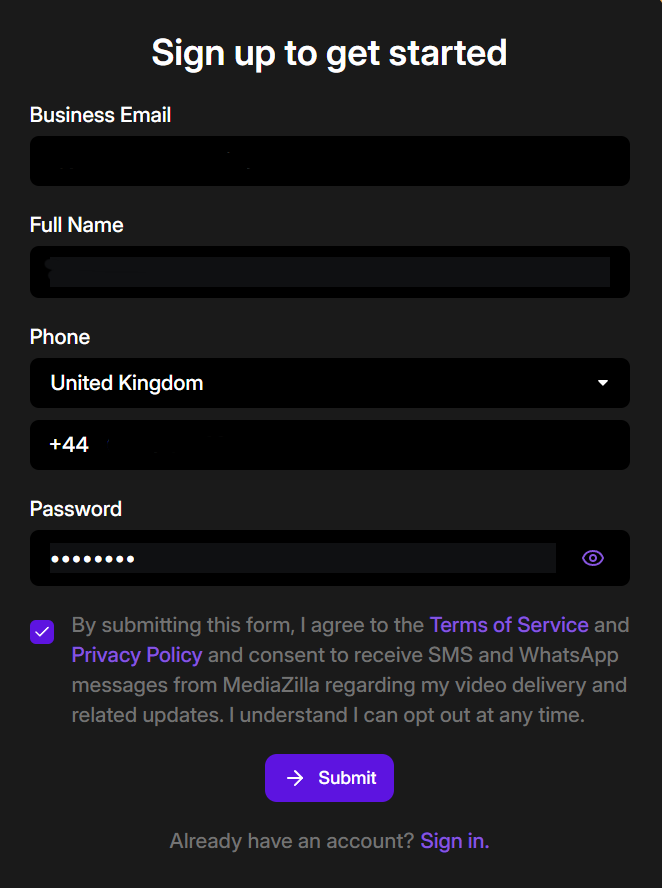
Enter your details, tick to agree to the terms of service, and click Submit.
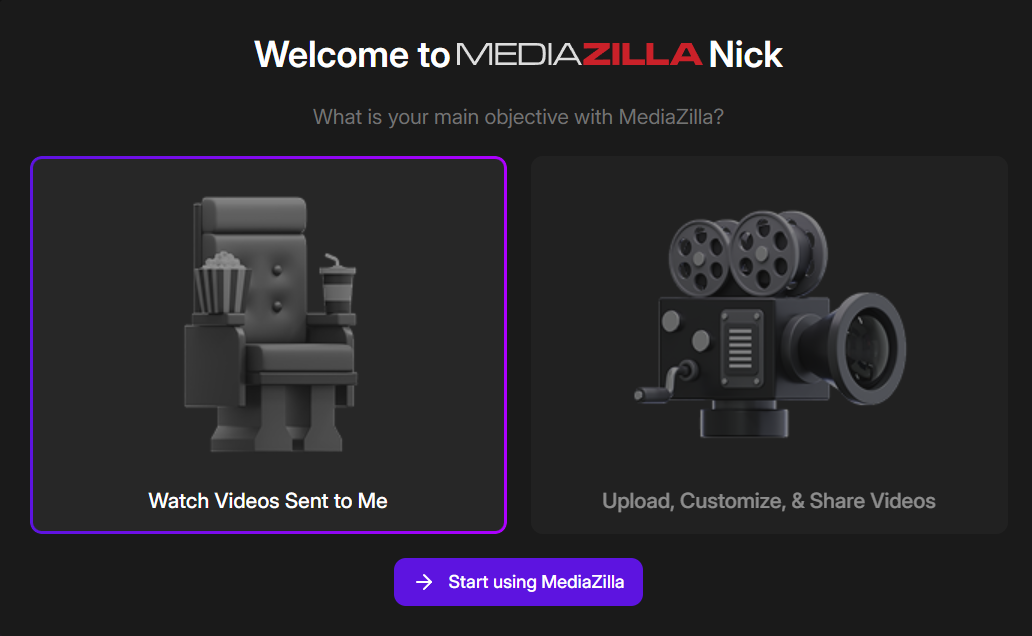
Now the important bit – select ‘Watch Videos Sent to Me’ – this will ensure your account is setup as a free client account and not a trial period for a business account. Then click ‘Start using MediaZilla’.
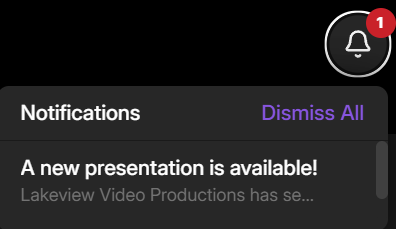
Your account will be created, and once the dashboard is displayed you will see a notification in the top-right of the screen. Click on the bell icon and select the notification.
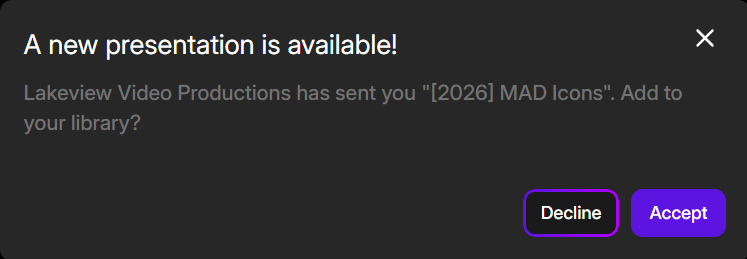
Click Accept to add the presentation to your account.
Please note, your email address will need to be validated. You will receive an email from MediaZilla and will need to click on the ‘Confirm my email’ button in that email.
If you do not receive this email (as always, check your junk or spam) you should be able to send it again. If it’s still not arriving then the only option left will be to use a different email address. This has never yet been required! But if you are still struggling then please Contact us